Keyboard Go Fish: Free Piano Card Game for Primer & Pre-Reading Students
A free printable piano card game for primer students — reinforces finger numbers, note names & keyboard geography. Download free from The Paperless Piano Teacher.
TEACHING TIPSGAMES & ACTIVITIES
Kristin Serrick
3/31/20252 min read
Hi Musical Friends!
Is it just me, or do your littlest students push your creativity the most? Keeping young piano learners engaged, motivated, and actually learning during a lesson is one of the most rewarding challenges in teaching — and finding games that do both is even harder.
A great piano game isn't just a way to fill time. It should reinforce real concepts, meet students where they are, and feel fun enough that they ask to play it again next week. That's a high bar for a card game — but I think this one clears it.
Introducing Keyboard Go Fish
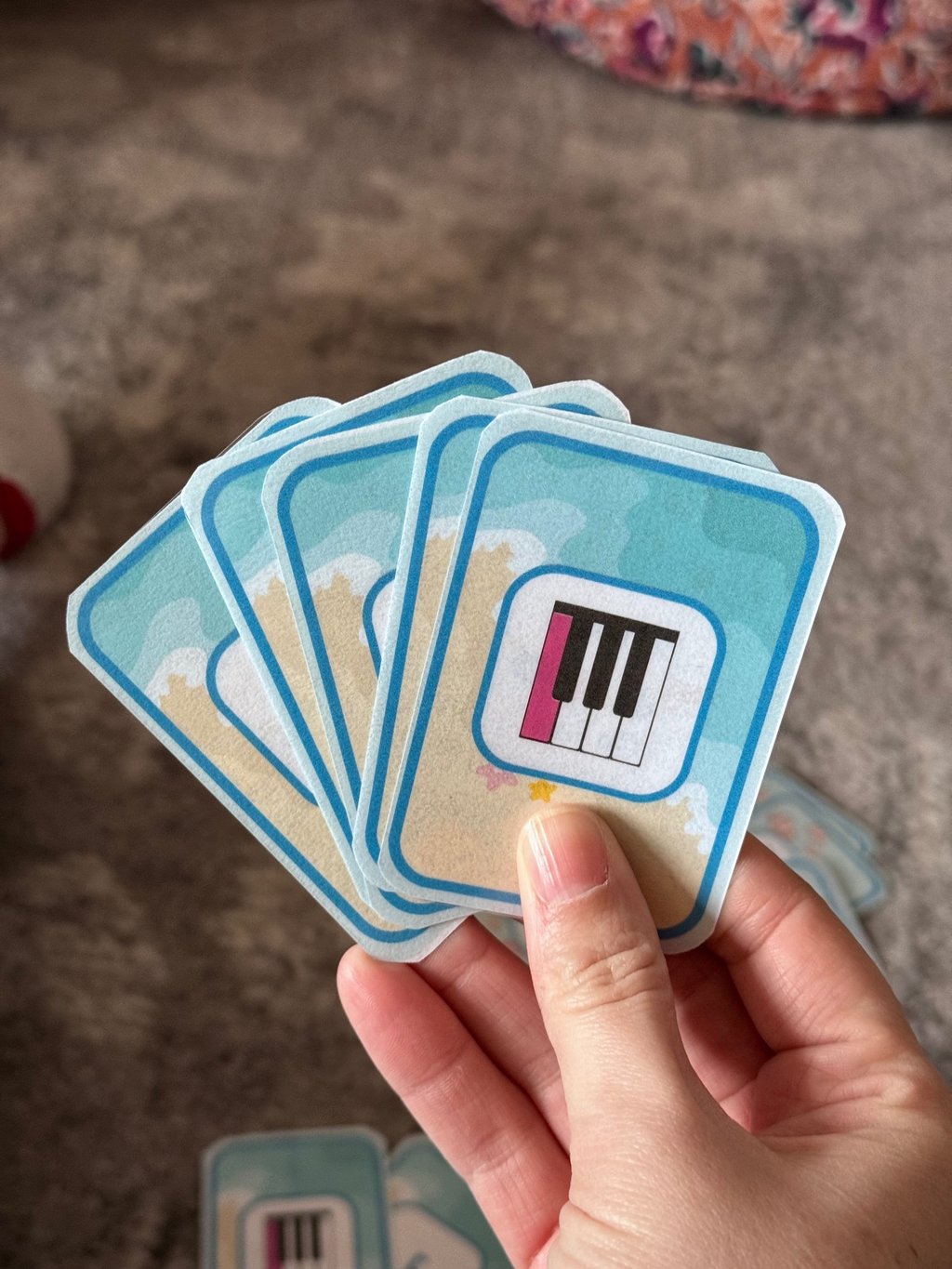
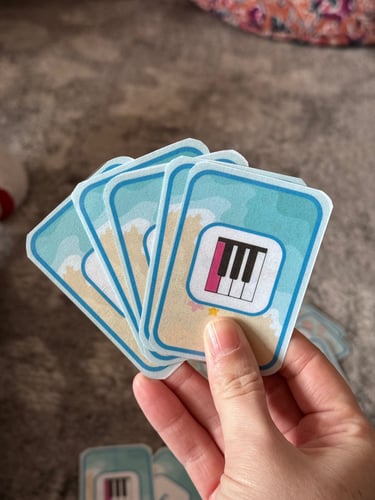
Inspired by students working through the Little Mozart's series, I designed Keyboard Go Fish specifically for primer and pre-reading students who aren't yet reading on the staff. At that stage, students still need consistent reinforcement with finger numbers, note names, and keyboard geography — and this game targets all three at once.
The format is based on the classic Go Fish card game, which works beautifully in a lesson setting for a few reasons. Kids already know the basic concept, so there's almost no learning curve. The rules are flexible, so you can adjust the game length to fit whatever time you have left in a lesson. And it's genuinely fun — which means students are engaged without realizing they're drilling fundamentals.
I tested it with several students before sharing it, and it was an instant hit.
What's Included
The printable file includes everything you need to get started, plus a few extras to make it work across levels:
A full deck of cards covering finger numbers, note names, and keyboard geography
Additional cards for students reading up to three ledger lines, so the game grows with your students
Complete instructions for how to play
The option to customize the deck by removing cards a student isn't ready for yet
Getting Set Up
Print using double-sided printing for the best card quality
If you're using it primarily with primer or pre-reading students, print extra copies of the key and letter cards to build a fuller deck
Laminating the cards is highly recommended — it makes a big difference in durability and feel, especially if multiple students are using the same deck
Download It Free
Keyboard Go Fish is available as a free download in the PPT store. Just sign up with your email and it's yours instantly — no catch.
I'd love to hear how it goes in your studio! Do you modify the rules? Use it differently with different age groups? Let me know in the comments — your ideas always make these resources better.
Happy teaching, Ms. Kristin
© 2026 The Paperless Piano Teacher. All Rights Reserved.
The Paperless Piano Teacher
The ultimate one-stop shop for music lesson planning. Helping teachers inspire the next generation of musicians.